

View your app information and credentials
After you've completed Onboarding Step 2: Create your request , your app info and your Login with Amazon (LWA) credentials are available in Solution Provider Portal (SPP).
- Sign in to SPP.
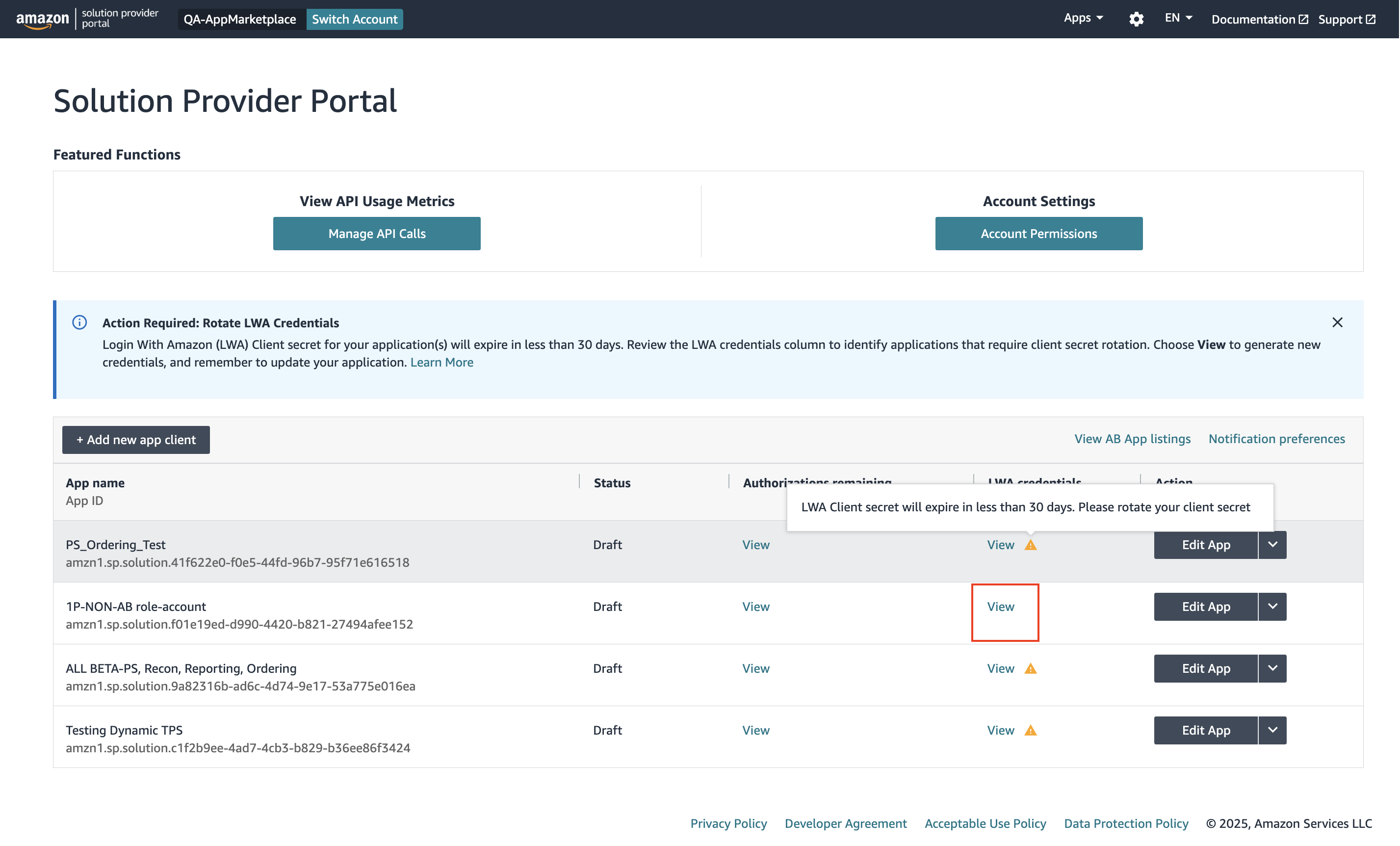
The SPP home page appears with a list of app clients.
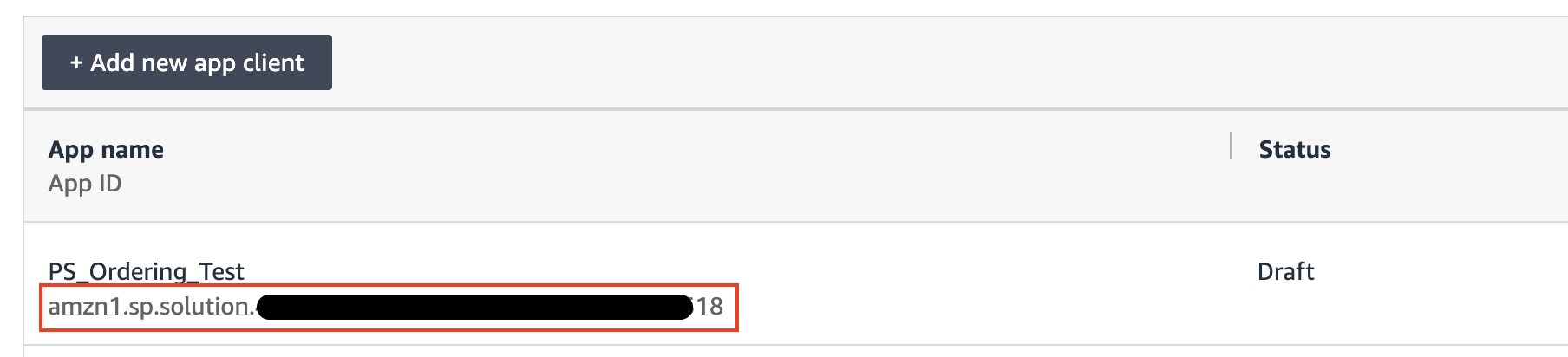
The Application ID displays under the name of each app in the App name column.
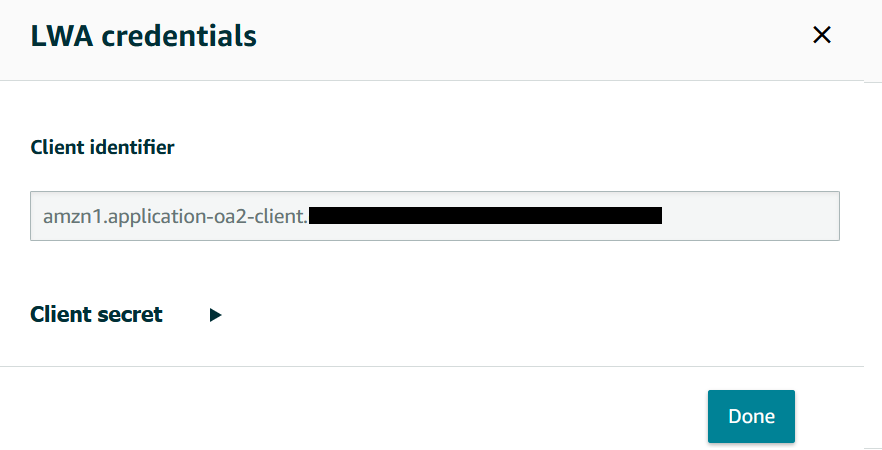
- Select View under LWA credentials.
Your LWA client identifier and client secret credentials appear. You'll need these credentials to request an LWA access token.
Updated 5 months ago
Did this page help you?